Piano Note Blast
Learn to read music on the piano — one note at a time.

Learn to read music on the piano — one note at a time.
Notes drift across the staff and you blast them by playing the matching piano key. Practise the treble clef, the bass clef, or both clefs together on iPad. It's a quick, motivating way to build your note-reading speed — suitable for all ages.
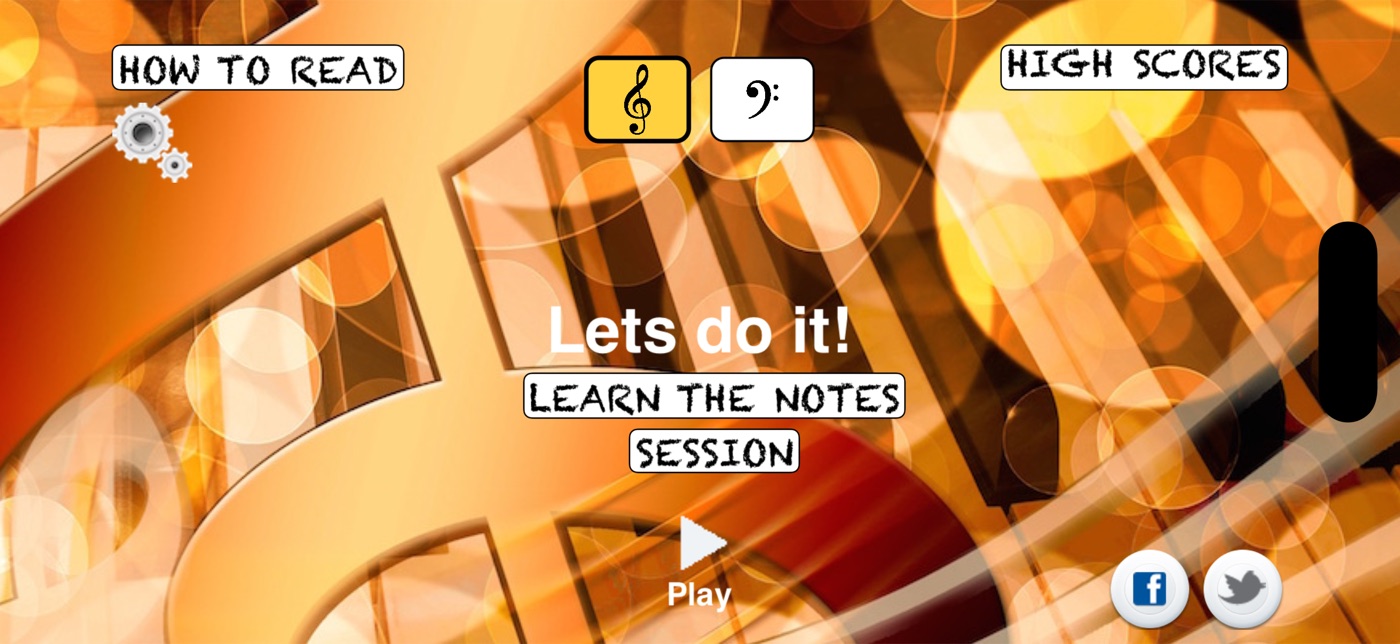
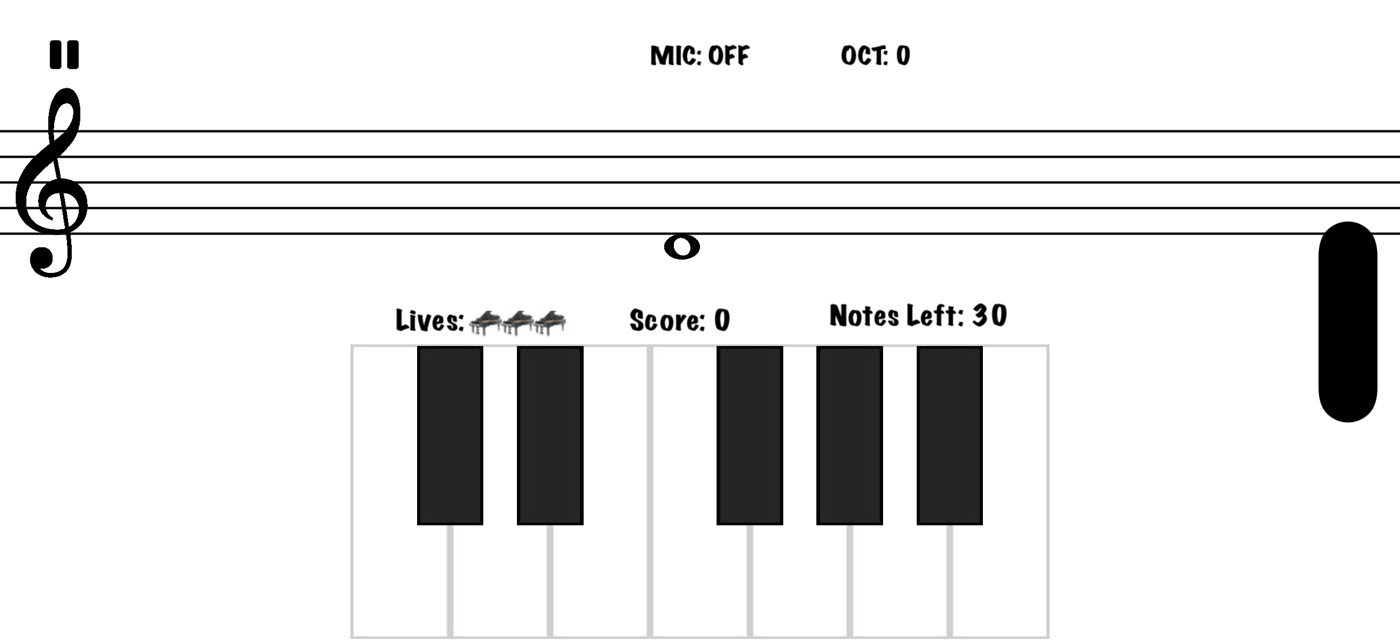
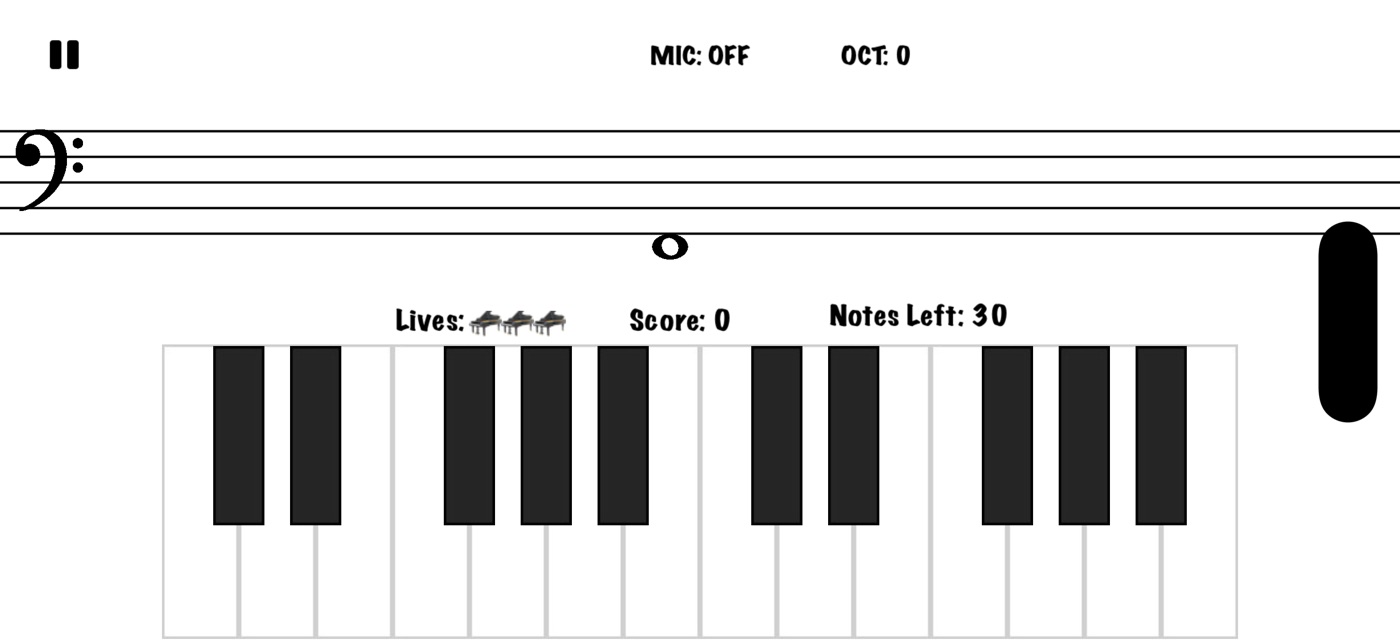
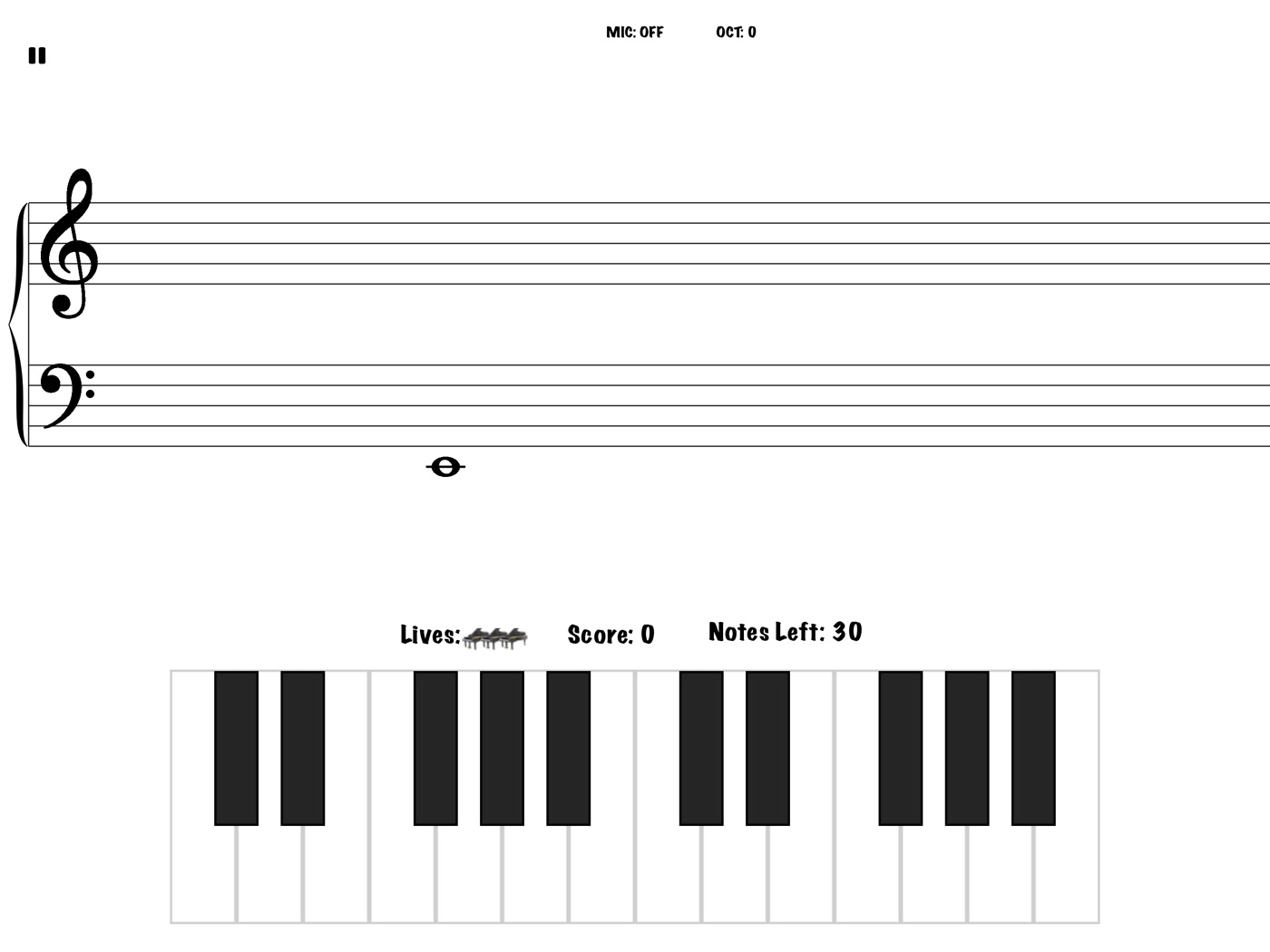
Choose your clef on the start screen. Both clefs together on one grand staff on iPad.
Tap the on-screen piano, plug in a MIDI keyboard, or switch on microphone mode and play your real piano.
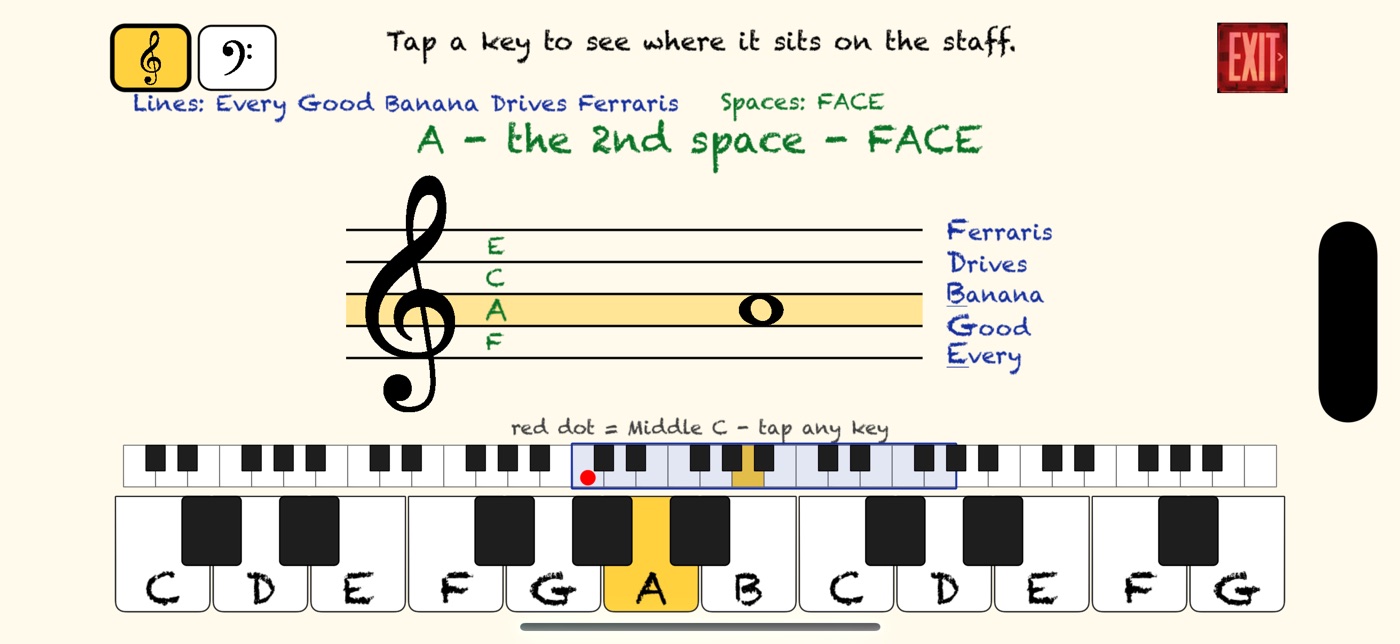
Every Good Banana Drives Ferraris, and FACE. Tap a key to see exactly where it sits on the staff.
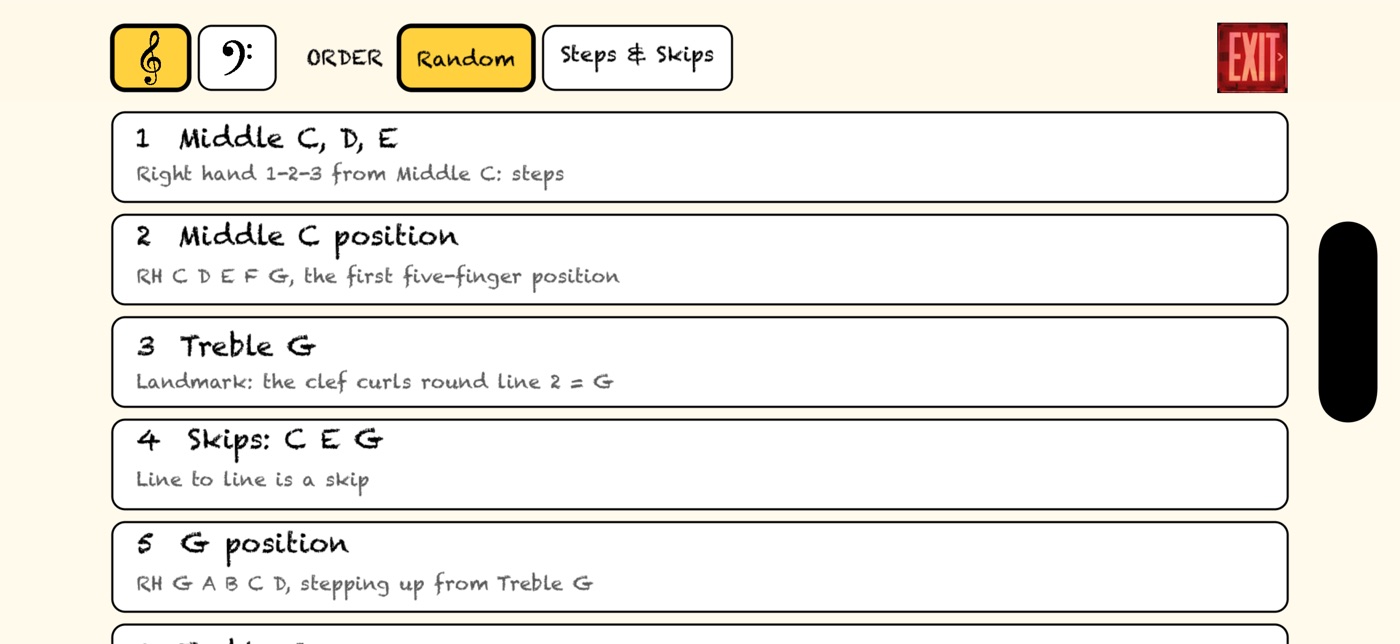
Lessons from Middle C upwards. Three lives, a bonus life for every 10 in a row, and notes that speed up as you improve.
Practise any level with no pressure before you play for a score.
Separate high scores and Game Center leaderboards for treble, bass and both clefs.
Treble clef lines: Every Good Banana Drives Ferraris (E G B D F). Spaces spell FACE (F A C E).
Bass clef lines: Great Big Dreams For Australia (G B D F A). Spaces: All Cows Eat Grass (A C E G).
Piano Note Blast is a flashcard-style game to help you develop your piano playing in a fun way. Microphone mode works best in a quiet room, but it will sometimes make mistakes picking up notes. For the most reliable results, use a MIDI keyboard.